How to Convert PDF to Word Online Without Losing Formatting
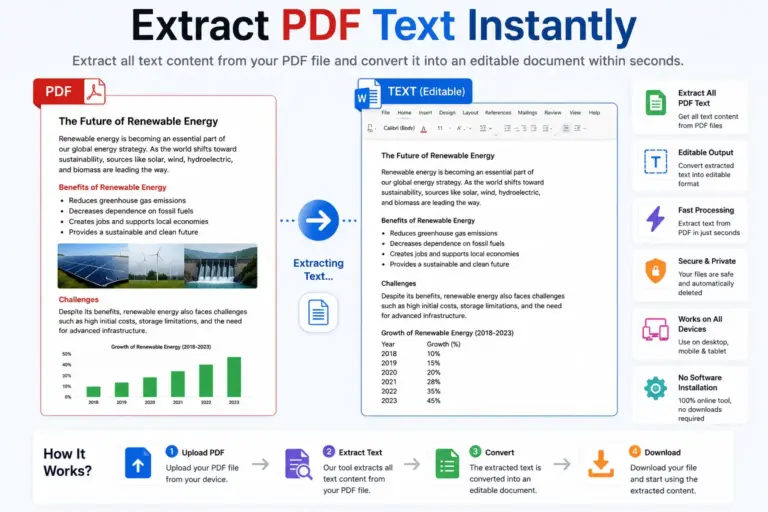
PDF files are excellent for sharing documents because they preserve layout and formatting across devices. However, editing a PDF can be difficult. That’s why many users convert PDF files into Word documents for easier editing, updating, and content reuse.
Whether you’re working with reports, contracts, invoices, assignments, research papers, or business documents, converting PDF to Word can save time and improve productivity.
In this guide, you’ll learn how to convert PDF to Word online quickly and efficiently.
What Is PDF to Word Conversion?
PDF to Word conversion is the process of transforming a PDF document into an editable Microsoft Word (DOCX) file.
Once converted, you can:
- Edit text easily
- Update content
- Change formatting
- Add images and tables
- Reuse content in other documents
- Collaborate with team members
Instead of recreating an entire document manually, PDF to Word conversion allows you to continue working with existing content.
Why Convert PDF to Word?
Many important documents are shared in PDF format, but editing them often requires specialized software. Converting PDF to Word provides several benefits.
Easy Editing
Modify text, headings, tables, and other document elements without rebuilding the document from scratch.
Save Time
Avoid manually copying and retyping content from PDF files.
Improve Productivity
Work faster on reports, contracts, proposals, and business documents.
Reuse Existing Content
Repurpose information from PDFs for presentations, articles, marketing materials, and documentation.
Better Collaboration
Word documents are easier to review, edit, and share among teams.
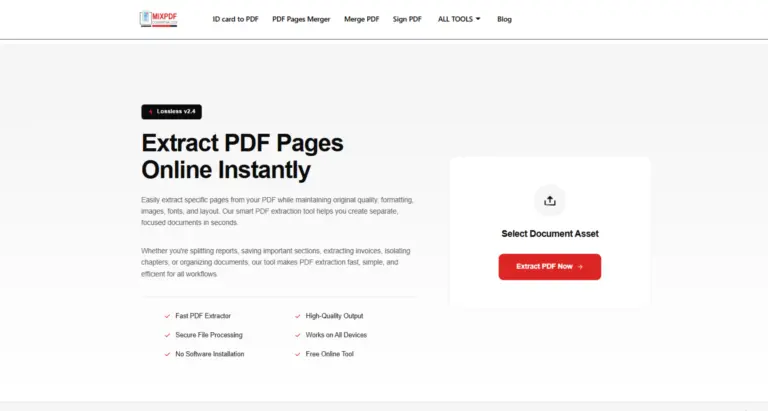
How to Convert PDF to Word Online
Converting a PDF into an editable Word document is simple.
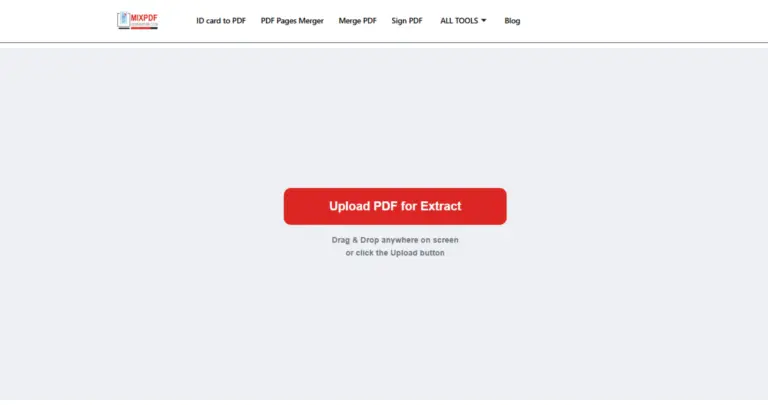
Step 1: Upload Your PDF
Choose the PDF file you want to convert from your computer, smartphone, or tablet.
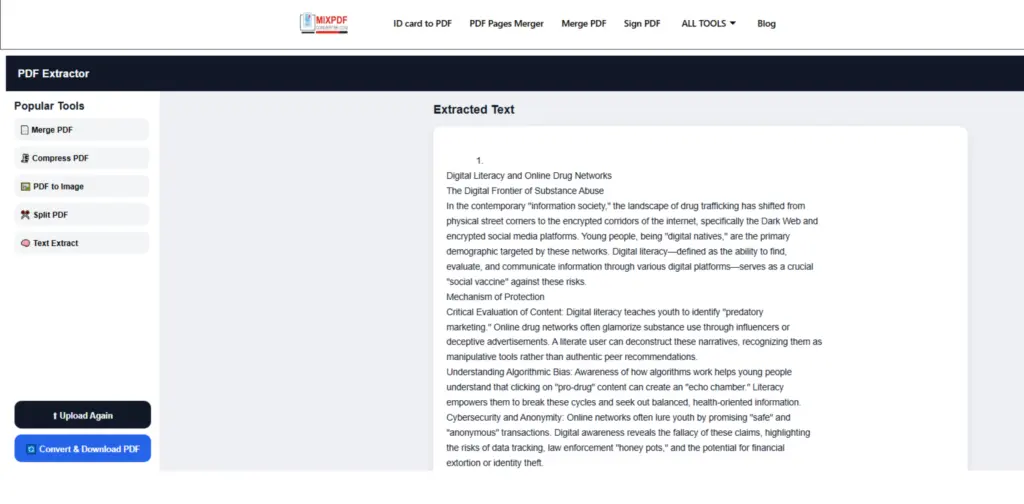
Step 2: Extract Content from the PDF
The conversion engine analyzes your PDF and extracts text and document content automatically.
This process helps transform static PDF content into an editable format suitable for Word documents.
Step 3: Generate a Word Document
After processing, the extracted content is converted into a DOCX file that can be opened using Microsoft Word and other compatible editors.
Step 4: Download the Converted File
Download the generated Word document and begin editing immediately.
Common Uses of PDF to Word Conversion
Business Documents
Convert contracts, invoices, proposals, reports, and presentations into editable files.
Students and Educators
Edit study materials, assignments, lecture notes, research papers, and educational resources.
Freelancers and Agencies
Reuse client documents, project files, and content drafts efficiently.
Government and Administrative Work
Convert forms, certificates, applications, and official records into editable formats.
Benefits of Using an Online PDF to Word Converter
Fast Processing
Convert documents within seconds without complicated workflows.
No Software Installation
Everything works directly inside your browser.
Accessible Anywhere
Use the converter from Windows, Mac, Linux, Android, iPhone, and tablets.
Simple Workflow
Upload, convert, and download in just a few clicks.
Free Access
Most online tools allow quick document conversion without registration.
Does PDF Formatting Stay Intact?
Modern PDF conversion technology attempts to preserve:
- Text structure
- Paragraph formatting
- Headings
- Lists
- Tables
- Basic document layout
The final result may vary depending on the complexity of the original PDF, but high-quality converters are designed to maintain readability and document organization.
Is PDF to Word Conversion Secure?
A secure online converter should provide:
- Protected file processing
- Secure uploads
- Automatic file removal after processing
- Browser-based access
Always choose trusted tools that prioritize user privacy and document security.
Tips for Better Conversion Results
Use High-Quality PDFs
Clear and properly formatted PDFs usually produce better Word documents.
Avoid Corrupted Files
Damaged PDFs may lead to incomplete conversions.
Review the Output
After conversion, check formatting, spacing, and document structure before sharing.
Keep a Backup
Always save a copy of the original PDF before making edits.
Frequently Asked Questions
Can I convert PDF to Word for free?
Yes. Many online converters allow free PDF to Word conversion.
Do I need Microsoft Word?
No. You can open DOCX files using Microsoft Word, Google Docs, LibreOffice, and other compatible editors.
Can I use the converter on mobile devices?
Yes. Most online PDF to Word tools work on smartphones and tablets.
Is software installation required?
No. The entire process takes place within your web browser.
Can I edit the converted file?
Absolutely. Once converted, the DOCX file becomes editable.
Final Thoughts
PDF to Word conversion is one of the most effective ways to make static documents editable and reusable. Whether you’re updating business reports, editing contracts, revising assignments, or reusing existing content, converting PDF files to Word can significantly improve workflow efficiency.
Using an online PDF to Word converter allows you to transform documents quickly, access editable content, and continue working without the need for specialized software.