PDF to Word Converter
With our free PDF to Word Converter online, you can instantly turn PDF files into fully editable Word (DOCX) documents. Moreover, it works smoothly across Windows, Mac, Linux, Android, and iOS. Therefore, you can convert files anytime, anywhere without limitations.
Just upload your PDF and you will receive a high-quality DOCX file that looks like the original . You know, außerdem , you can convert Word documents into PDFs . it’s completely free and works online, preserving the exact formatting of your original file — no matter what you need for them: work , school , or personal tasks .
There is no need to sign up or install anything . Well, it’s interesting that the protected information is carried to us . It needs to go the other way? In my opinion, immediately start converting , and enjoy a hassle-free document editing like never before !
Why Choose Our Free PDF to Word Converter?
✅ Convert PDF to Word free online without limits
✅ Keep original formatting & layout intact
✅ Works across all devices & operating systems
✅ Advanced OCR to convert scanned PDFs into editable text
✅ Secure with TLS encryption + auto file deletion
Instant Conversion Without Sign-up
No account needed ! Convert your PDFs into Microsoft Word format hassle-free . Just so you know, our converter is free for all users and processing your files quickly within seconds .
Secure Document Conversion
We take your data privacy seriously. All conversions are protected with advanced TLS encryption, and our services fully comply with GDPR standards. We're also certified under ISO/IEC 27001 for information security. To further safeguard your files, all uploaded documents are automatically erased from our servers within 60 minutes.
Convert Across All Operating Systems
This online tool works flawlessly across Mac, Windows and Linux ensuring compatibility with all computers and operating systems . Enjoy seamless conversion without restrictions, regardless of your device or platform .
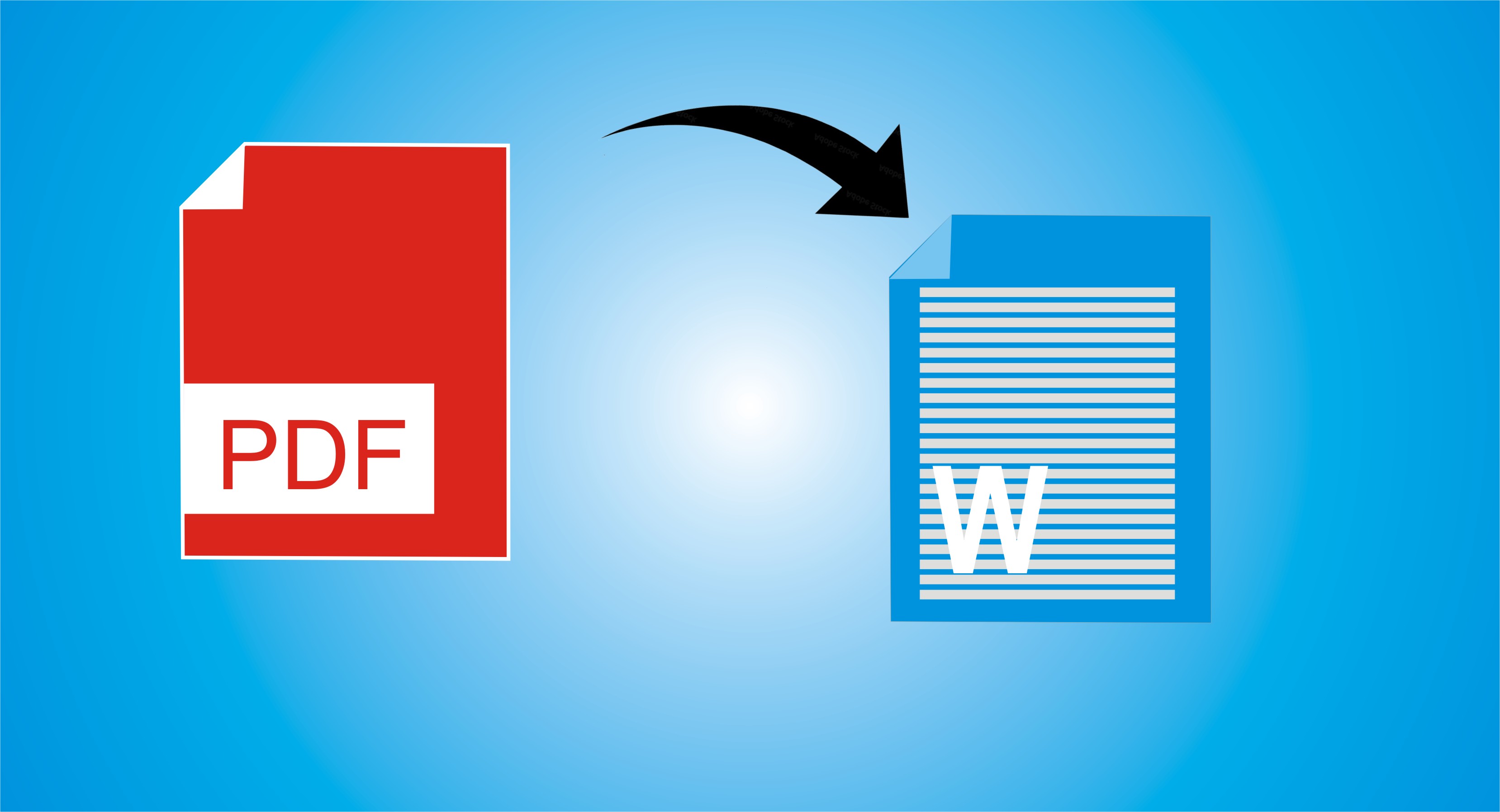
How to Convert for Free:
1️⃣ Import or drag & drop your PDF file into our converter.
2️⃣ Choose “With OCR” for scanned PDFs (Pro feature).
3️⃣ Click “Convert” and wait a few seconds.
4️⃣ Download or share your converted Word file — it’s that simple!
PDF to Word Converter – FAQs
Simple, human-focused answers for your most common questions.
What does the PDF to Word Converter do? Quick answer
Is the tool free to use? Yes
Are my PDF files safe? Security
Which PDF files can I convert? Formats
Will the formatting stay the same in the Word file? Formatting
Can I convert scanned PDFs? Scanned
Can I use this tool on mobile? Mobile
Is there a file size limit? Size
How fast is the conversion? Speed
Will the Word file be editable? Editable?
Do images inside the PDF convert properly? Images
Do I need to install software? No
The PDF is not converting — what should I do? Fix
• Ensure the PDF is not password protected
• Re-save the PDF using "Print to PDF"
• Check if the file is corrupted
• Try uploading again