PPT to PDF Converter
PPT to PDF Converter – Convert PowerPoint to PDF in Just One Click
Well, it’s interesting that looking for a quick and reliable PPT to PDF converter? Just so you know, do you want to convert PowerPoint to PDF without losing formatting? Honestly, I think our free online tool makes the process faster and hassle-free . You know, whether you are producing reports, proposals or presentation decks , this converter delivers professional-quality PDF output every time .
⚡ Why Choose Our PowerPoint to PDF Converter?
Our tool is built to make your workflow smoother and more efficient. Moreover, you can enjoy a wide range of benefits:
✅ No file size limits – Convert large presentations effortlessly.
✅ No watermarks – Keep your documents clean and professional.
✅ No registration needed – Start converting instantly.
✅ Preserves formatting – Your fonts, images, and layouts stay intact.
🔄 Convert PPT to PDF Instantly with a Single Click
You can convert PPT or PPTX directly to PDF in seconds with our intuitive tool . In my opinion, upload your file and we handle the rest . As a result, you’ll be able to store, print or share your presentation with ease . Most vital of all, the output PDF looks exactly like your original slides.
🔐 Rest Assured—Your Privacy Is Fully Safeguarded
We understand how vital your privacy is. as a result, we delete your files from our servers automatically after the conversion has been complete . Honestly, I think in short, your privacy is fully protected. View our privacy policy .
🌐 Guaranteed Consistent Performance on All Platforms
Our PowerPoint to PDF converter works flawlessly on Windows, MacOS, Linux and all major browsers. In addition, mobile users can convert files without needing to install an app on the go . This makes it ideal for students, professionals and business teams alike.
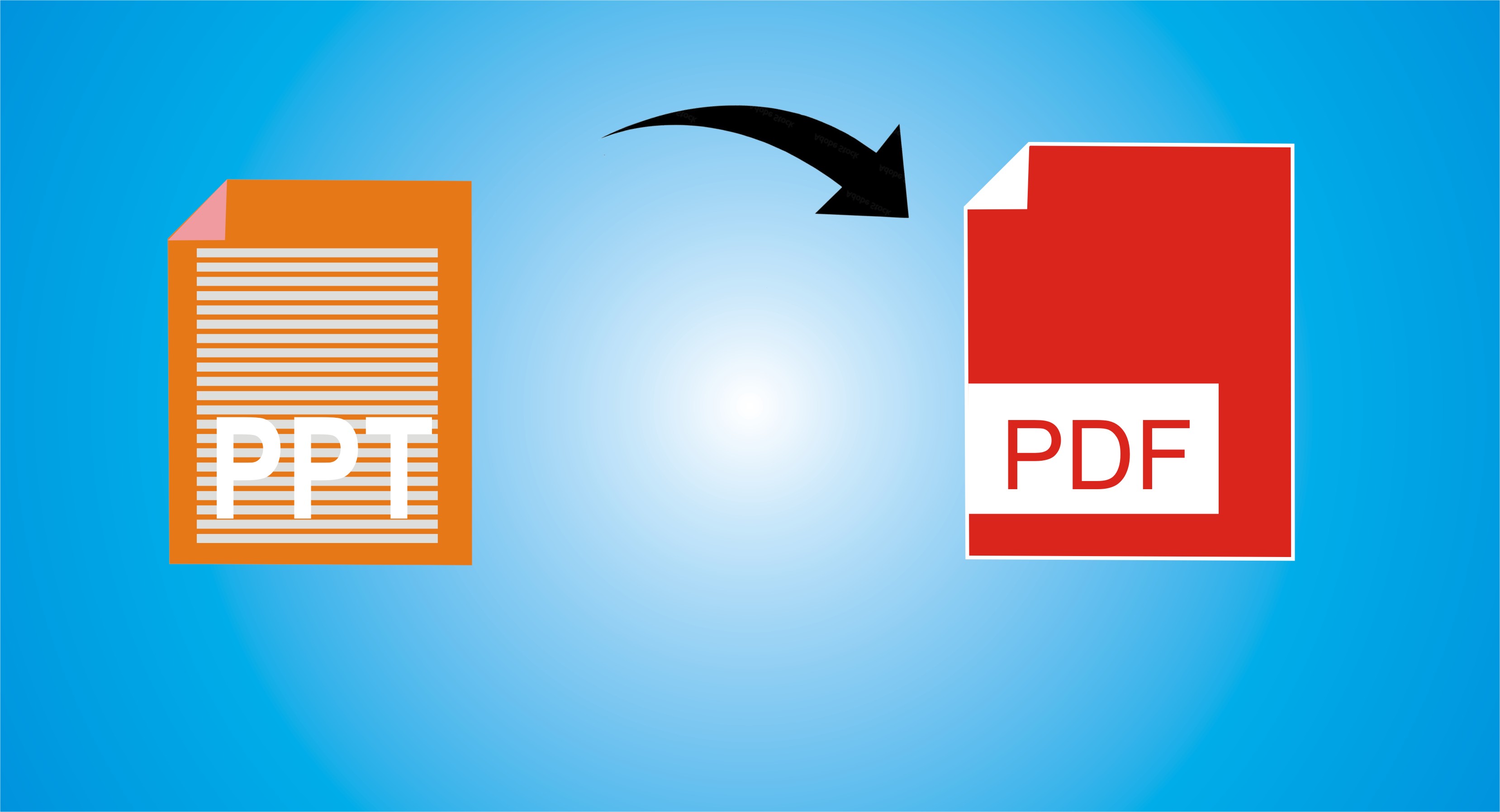
How to Convert PPT to PDF Online
Follow these easy steps to convert your presentation:
- Upload – Click “Upload File” or drag and drop your PPT/PPTX file.
- Convert – The tool automatically starts converting your file.
- Secure Process – Your files are processed safely and automatically deleted after conversion.
- Download – Click “Download” to save your PDF instantly.
🧾 Frequently Asked Questions (FAQ) – PPT to PDF Converter
The PPT to PDF Converter by MixPDFConverter.com is a free online tool that allows you to convert PowerPoint presentations (.ppt or .pptx files) into high-quality PDF documents within seconds — no software installation required.
It’s simple:
Upload your PowerPoint file.
Wait a few seconds for processing.
Download your converted PDF instantly.
Yes. Your files are fully secure and private. All uploads and conversions are processed automatically and deleted from the server after a short time. MixPDFConverter uses encrypted connections (HTTPS) for your safety.
Absolutely. It supports all PowerPoint formats — including .PPT (older versions) and .PPTX (newer versions).
Yes! The converter ensures that your fonts, layouts, images, and animations remain intact during the conversion process.
Yes. MixPDFConverter works seamlessly on all devices and browsers, including mobile phones, tablets, Windows PCs, and Macs.
Yes, the tool is 100% free, with no hidden fees, registration, or watermark.
No installation required. The converter runs completely online — all you need is an internet connection and your PPT file.
Currently, you can convert one PPT file at a time for maximum quality and accuracy. A bulk conversion feature is coming soon.
Fast & secure online processing
High-quality output without layout distortion
Works on all devices
No signup or software download required
Besides PPT to PDF, you can also use:
Word to PDF Converter
Excel to PDF Converter
Image to PDF Converter
ID Card to PDF Converter
PDF Merge, Split, and Compress tools
Yes! MixPDFConverter also offers a PDF to PPT Converter, allowing you to easily turn your PDFs into editable PowerPoint slides.
📎 Explore More Free PDF Tools
Want more features? Check out our other tools:
* Merge PDF Files
* Id card to PDF
* PDF to Word Converter